
Convert MKV to MP4
Convert MKV to MP4
To convert MKV to MP4, open the file and press Convert to MP4: the video and sound move into an MP4 as they are.
Drop a video here
- MP4
- MOV
- MKV
- WebM
- Any size
It opens on your device and is never uploaded.
How to convert MKV to MP4
 By Milind Sahu, tested on real iPhone and Android videos. Updated .
Nothing is re-encoded, so quality stays the same. Your video is never uploaded: it is converted in your browser, free, with no signup and no watermark.
- Step 1
Open your MKV
Drop the file on the editor or choose it from your files. Nothing is uploaded: it opens right here, even a long film.
- Step 2
Check what is copied
The panel shows the video and audio codecs that go into the MP4, the length, and about how big the new file will be.
- Step 3
Convert and download
Press Convert to MP4. The video and the first audio track are copied into an MP4, ready to download.
What happens to subtitles and extra audio tracks?
An MP4 made here keeps the video and the first audio track. Subtitles, chapters and any further audio tracks are left out, and the panel says when a file has more than one audio track.
So keep the MKV if you need a second language or the subtitles. The MP4 is for the phones, editors and websites that won't open an MKV.
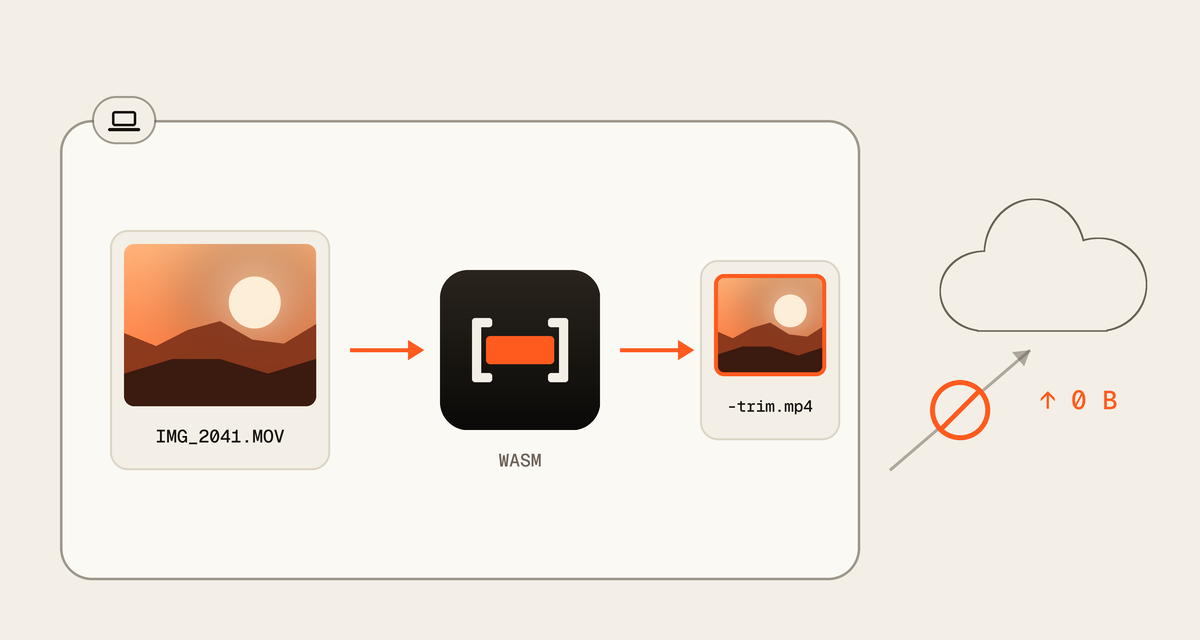
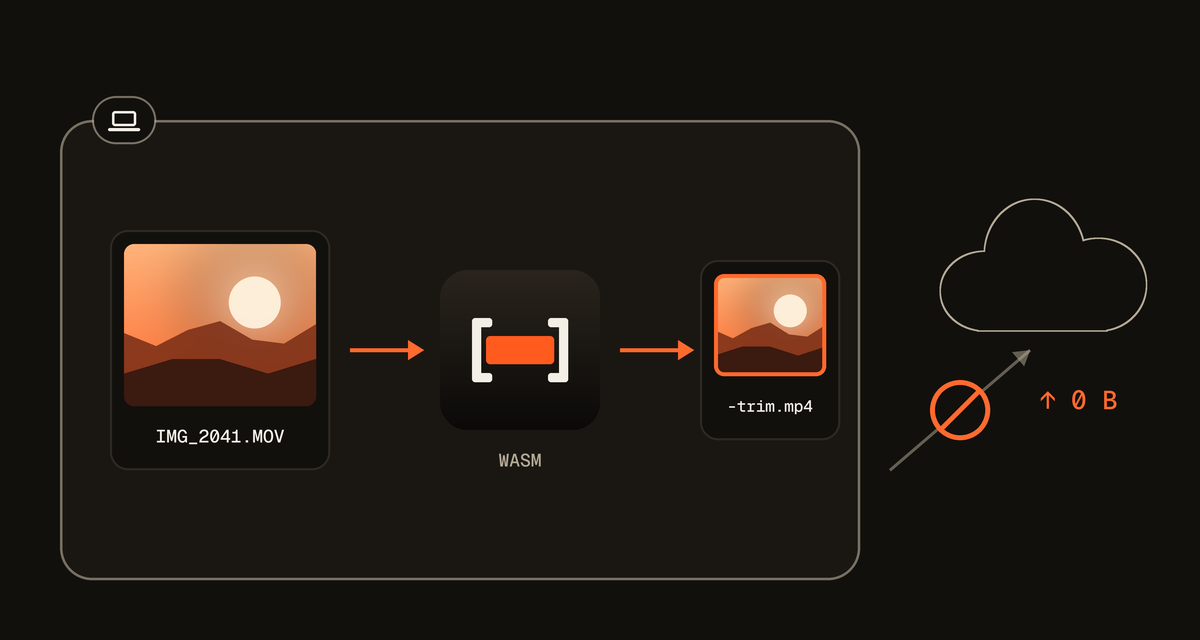
Your video never leaves your device
Many online cutters upload your file first. QuickVideoCutter.com works inside your browser, so there is no upload to wait for and no copy of your video anywhere else.
Questions
Something else? Contact us
Does converting MKV to MP4 lose quality?
Converting MKV to MP4 here does not lose quality. The video and audio packets are copied unchanged into the new file, so picture, bitrate and frame rate stay exactly as they were.
Which MKV files convert without re-encoding?
MKV files with H.264, HEVC, VP9 or AV1 video and AAC or Opus sound convert without re-encoding. VP8 video, Vorbis sound and H.264 recorded by Chrome itself can't be copied: the page says so and offers Compress.
Is converting MKV to MP4 the same as remuxing?
Converting MKV to MP4 here is a remux: the packets move from one container to the other unchanged. It is what ffmpeg does with -c copy, done in your browser with nothing to install.
Does it keep every audio track?
The MP4 keeps only the first audio track. Before you convert, the panel says how many audio tracks the file has, so a second language never goes missing without a word.
Is my video uploaded?
Your video is never uploaded. The file opens in your browser and is converted on your device. Nothing the page sends ever includes the file or its name.