
Compress a video to 50 MB
Compress a video to 50 MB
To compress a video to 50 MB, open it here and export: 50 MB is already set.
- No upload
- No watermark
- No signup
Drop a video here
- MP4
- MOV
- M4V
- Any size
It opens on your device and is never uploaded.
How to compress a video to 50 MB
 By Milind Sahu Updated .
A 1080p video keeps its full picture up to 3 minutes 53 seconds, and a longer one gets a smaller picture. Your video is never uploaded: it is compressed in your browser, free, with no signup or watermark.
- Step 1
Open your video
Drop a video on the editor or choose one from your files. Nothing is uploaded: it opens right here, even a long 4K video.
- Step 2
Check the new size
The panel shows the new size and picture before you export. Press another size, or drag the timeline handles to keep a shorter part with a sharper picture.
- Step 3
Export and send
The video is re-encoded on your device into an MP4 under 50 MB. If it comes out over, it tries again a little smaller, up to three times.
How long a video fits in 50 MB
At 50 MB, a video with sound keeps 1080p up to 3 minutes 53 seconds, 720p up to 7 minutes 38 seconds and 480p up to 13 minutes 14 seconds. Anything longer, up to 19 minutes 18 seconds, is saved at 360p.
Each picture needs a bitrate to stay sharp: 1.5 Mbps for 1080p, 700 kbps for 720p, 350 kbps for 480p and 200 kbps for 360p. The sound takes 128 kbps, and 5% of the size is kept in reserve.
Your video never leaves your device
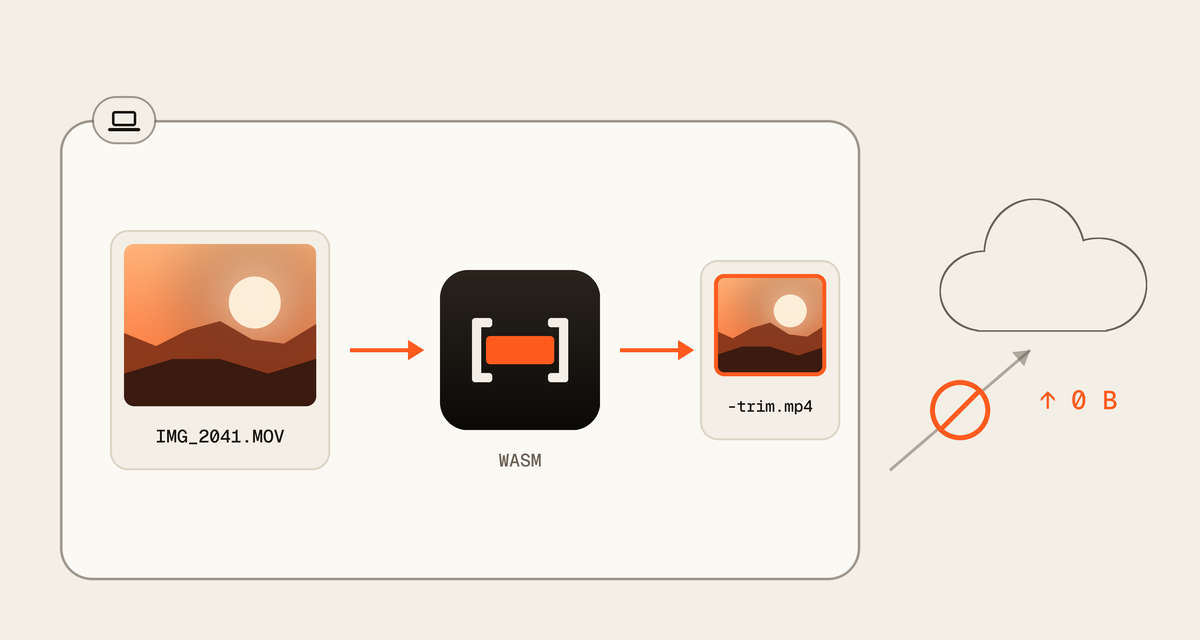
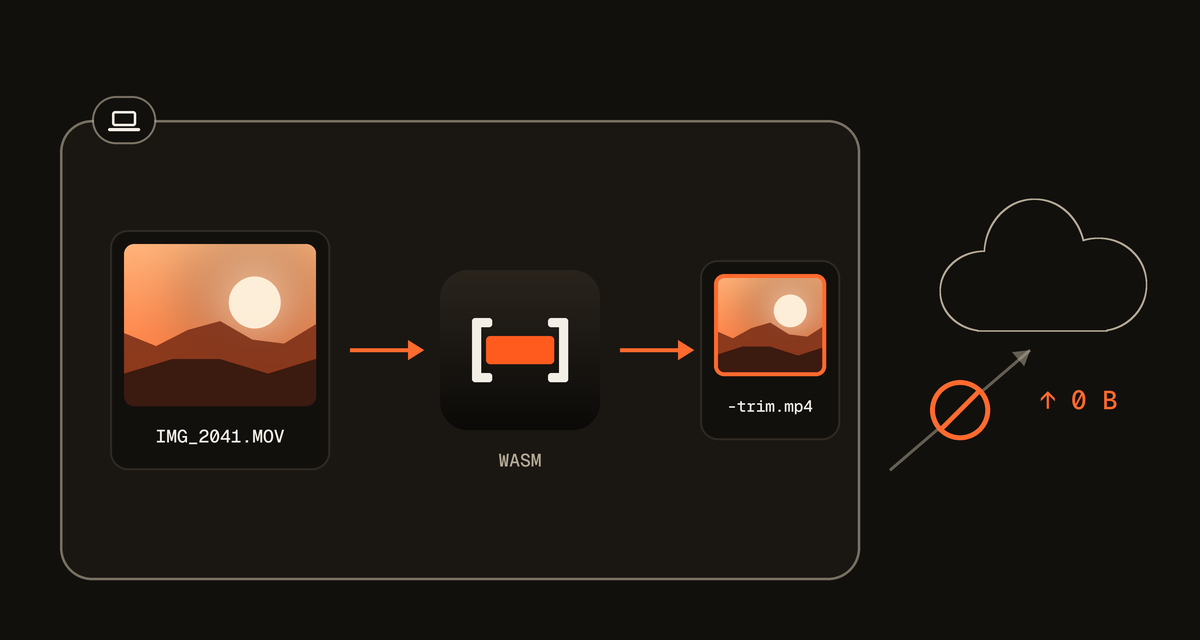
Many online cutters upload your file first. QuickVideoCutter.com works inside your browser, so there is no upload to wait for and no copy of your video anywhere else.
Questions
Something else? Contact us
How do I compress a video to 50 MB?
To compress a video to 50 MB, open it above and export: 50 MB is already chosen. The panel shows the new size and picture first, and the file it saves is under 50 MB.
How long can a video be to fit 50 MB?
A video up to 19 minutes 18 seconds with sound fits in 50 MB, at 360p. For a sharper picture keep it shorter: up to 3 minutes 53 seconds for 1080p, or 7 minutes 38 seconds for 720p.
Does compressing to 50 MB lower the quality?
Compressing to 50 MB re-encodes the video, so some detail is lost. A video already under 50 MB stays about its own size, because the bitrate never goes above the original's.
Is my video uploaded?
Your video is never uploaded. The file opens in your browser and is compressed on your device, by your browser's own video encoder. Nothing the page sends ever includes the file or its name.