
How Local Video Processing Works
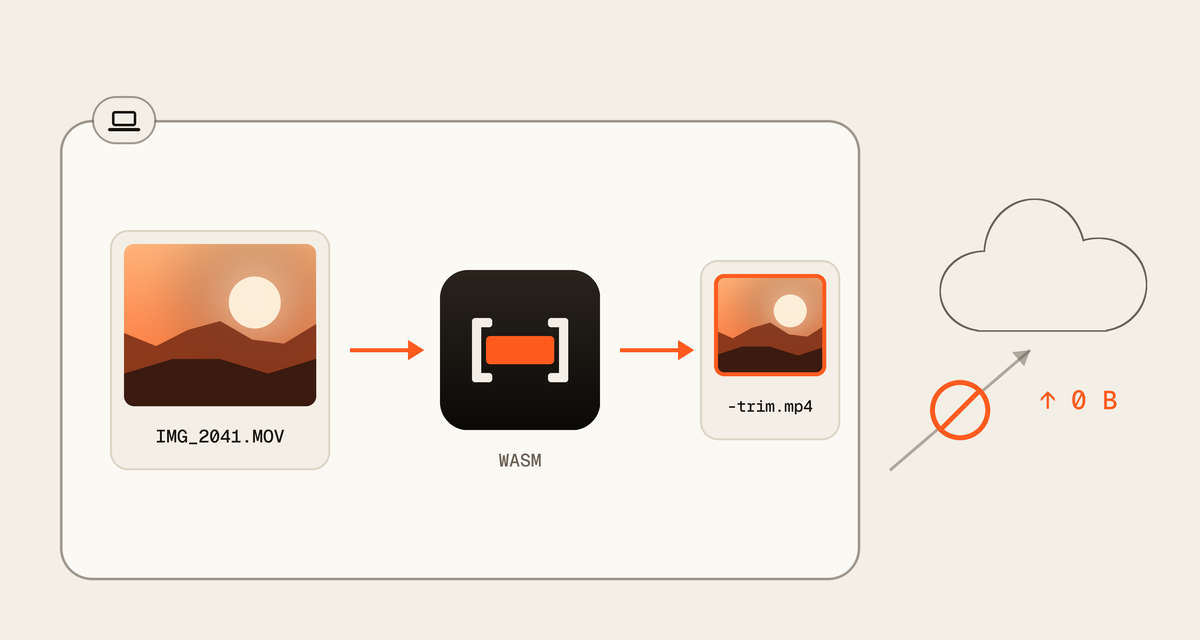
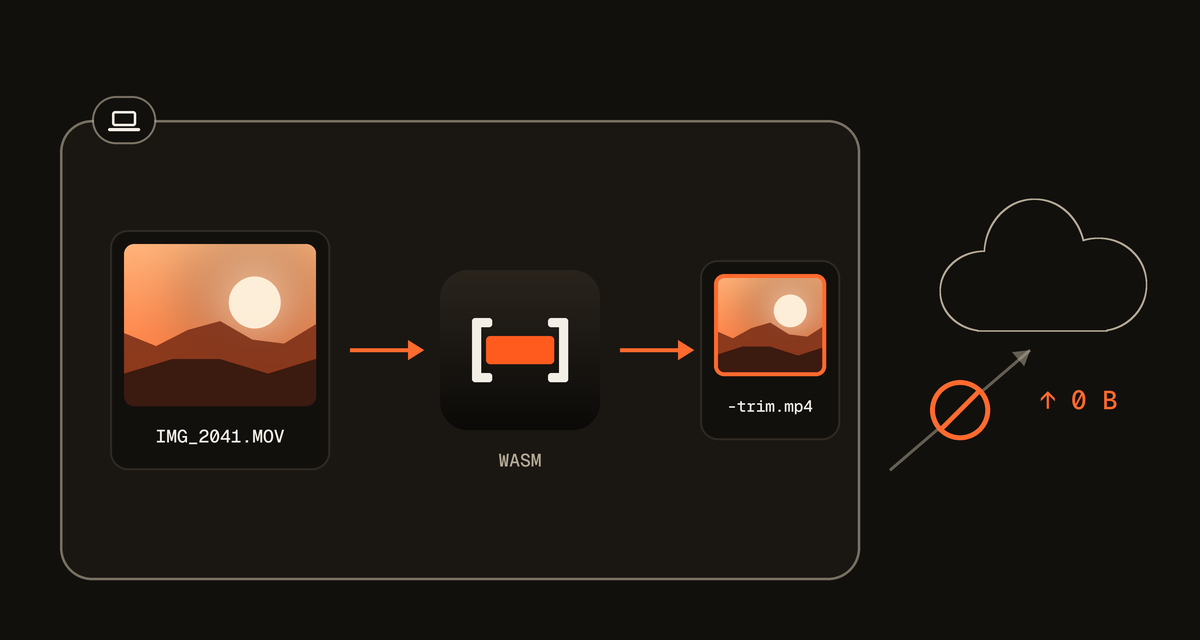
QuickVideoCutter.com cuts video inside your browser. The file is read from your device, cut by code running on this page, and saved back to your device. Here is each step, and what leaves your device.
Opening a video
When you choose or drop a video, your browser lets this page read that one file. QuickVideoCutter.com reads its index, the list of frames and where they sit, without uploading anything.
Large files are read in small pieces, so a long or 4K video never has to fit in memory.
Cutting without re-encoding
QuickVideoCutter.com plans the cut from that index, then copies the video and audio you keep into a new MP4, byte for byte. Nothing is decoded or encoded again, so quality is unchanged and the export is quick.
A cut can only start on a keyframe, so the start moves to the next one. The editor shows the dropped part striped and tells you by how much.
Where the new file goes
The new MP4 is written to your browser's private storage for this site, then offered to you as a download. Once you close the tab, its export files are cleared the next time you open a video here.
What is sent over the network
Only these, and nothing else:
- the page itself, its code and its fonts, from QuickVideoCutter.com
- a few anonymous counts, such as "an export finished", with the tool, the video format, the browser family and rough size and length ranges
Checking it yourself
Open your browser's developer tools, choose the Network tab, and cut a video. You will see the page load and a few small requests to /api/e/, and no request that carries your video.
Last updated: